
30 lines
2.1 KiB
Markdown
30 lines
2.1 KiB
Markdown
---
|
|
title: Overview
|
|
summary: ""
|
|
sidebar: suite_sidebar
|
|
permalink: suite-testing-overview.html
|
|
---
|
|
|
|
| Backtesting | Paper-Trading |
|
|
| :---: | :---: |
|
|
|  |  |
|
|
|
|
A simulation is a visual representation over the charts of any of the forms of strategy testing available within the system:
|
|
|
|
* **Backtesting:** testing over historic data;
|
|
|
|
* **Paper-trading:** testing over a live data feed, without placing orders at the exchange (orders are simulated);
|
|
|
|
* **Forward testing:** testing over a live data feed, placing actual orders at the exchange for a fraction of the available balance.
|
|
|
|
We will cover *forward testing* when we discuss live trading, as it involves placing orders at the exchange. For the time being, we will focus on the first two steps of the strategy-testing process.
|
|
|
|
As explained in the previous chapter, the trading bot handles testing sessions and is controlled by a task and its corresponding task manager.
|
|
|
|
**To run a testing session, you will click *Run* on the corresponding task, and once the task is running, you will click *Run* on the session menu.**
|
|
|
|
[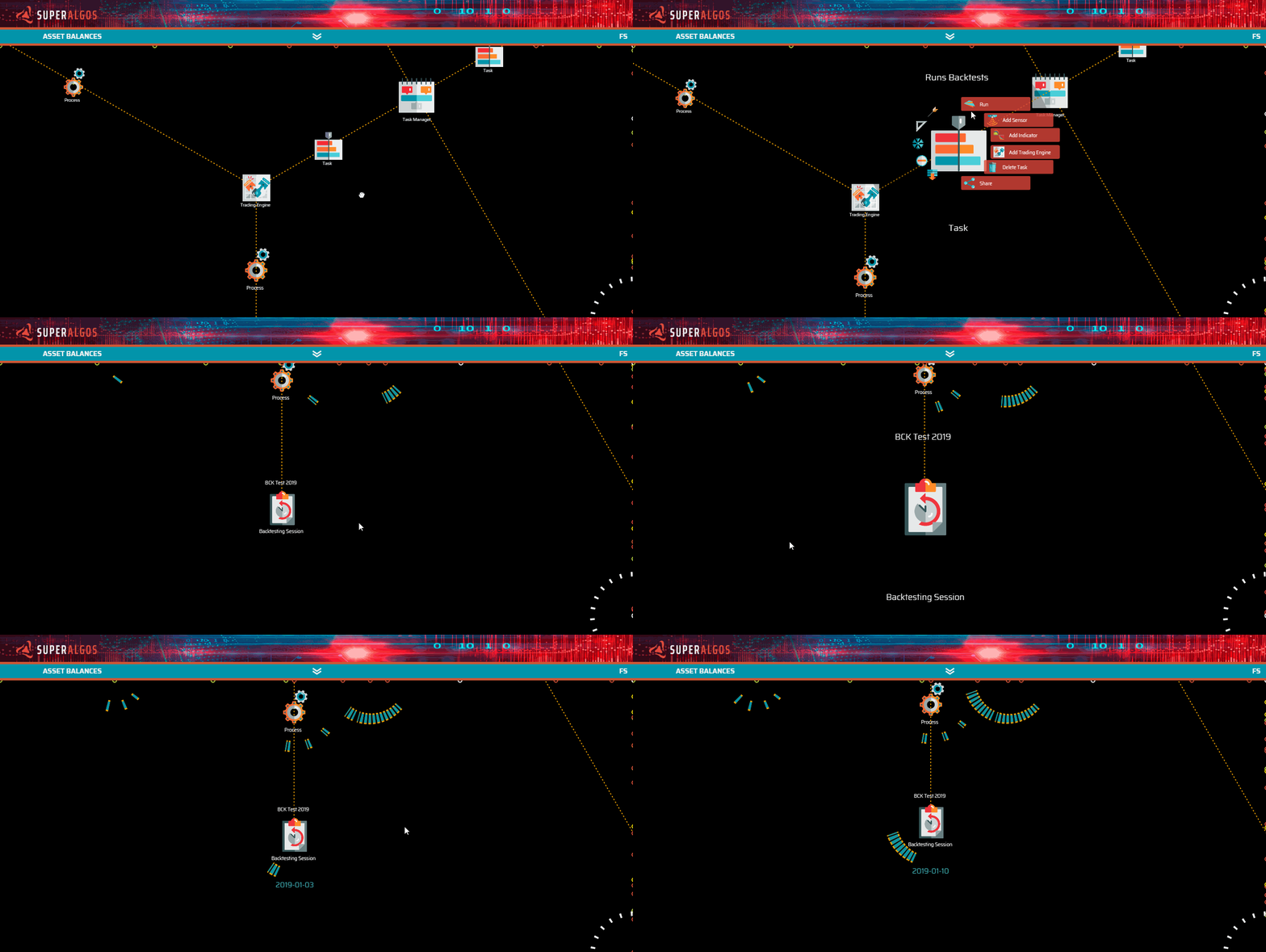](https://user-images.githubusercontent.com/13994516/67272210-68c0b700-f4bc-11e9-8eb2-04a253451932.gif)
|
|
|
|
For your convenience, all our templates in the ```Quick-Start-Examples``` folder come with at least one backtesting and one paper-trading session set up. All you need to do is customize the *parameters* to your liking and, if you wish, add or remove layers to the *layer manager*, both offspring nodes of each testing session.
|
|
|
|
[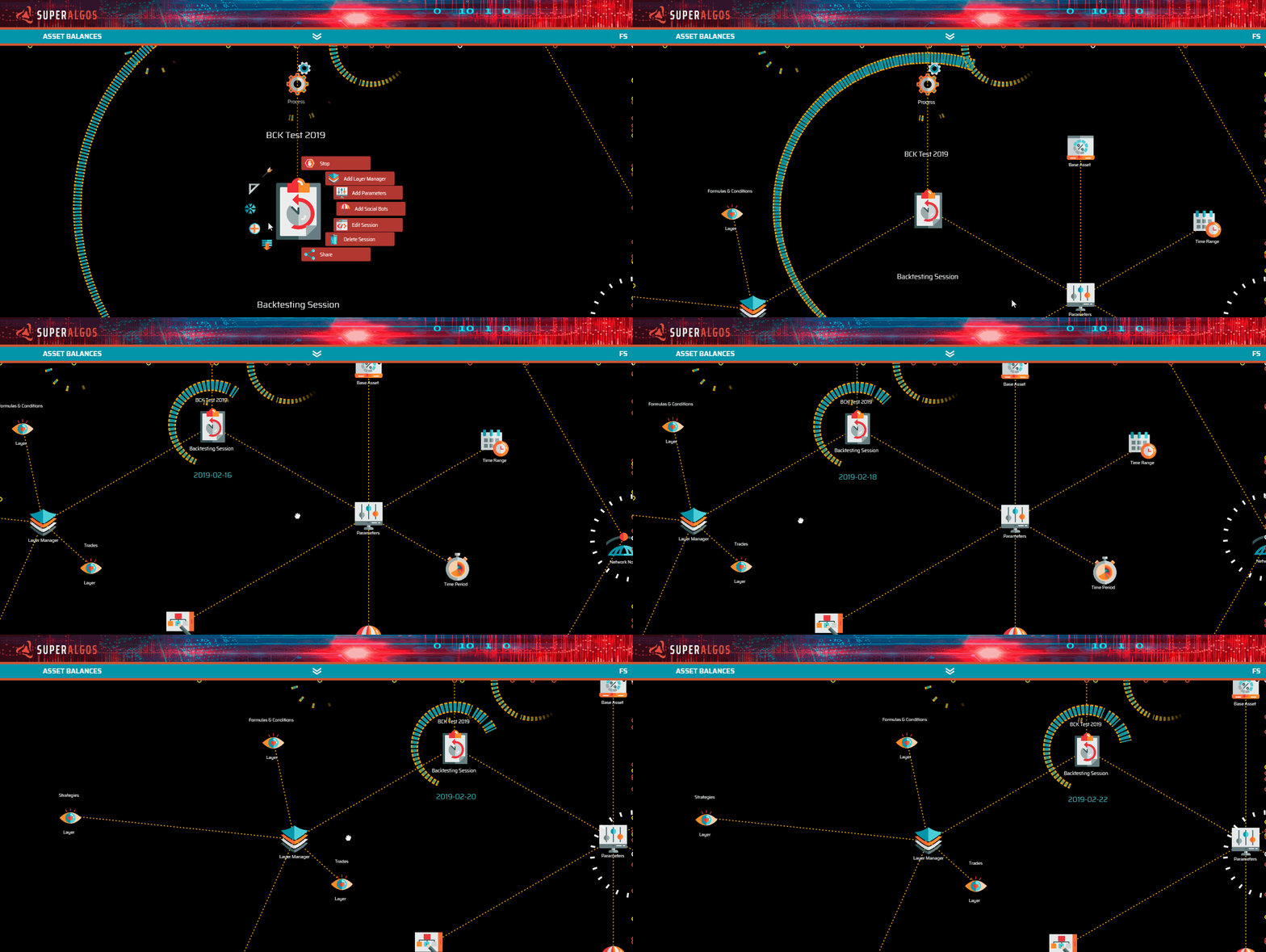](https://user-images.githubusercontent.com/13994516/67272211-68c0b700-f4bc-11e9-82c4-570699faa673.gif) |