2.1 KiB
title, summary, sidebar, permalink
| title | summary | sidebar | permalink |
|---|---|---|---|
| Overview | suite_sidebar | suite-testing-overview.html |
| Backtesting | Paper-Trading |
|---|---|
 |
 |
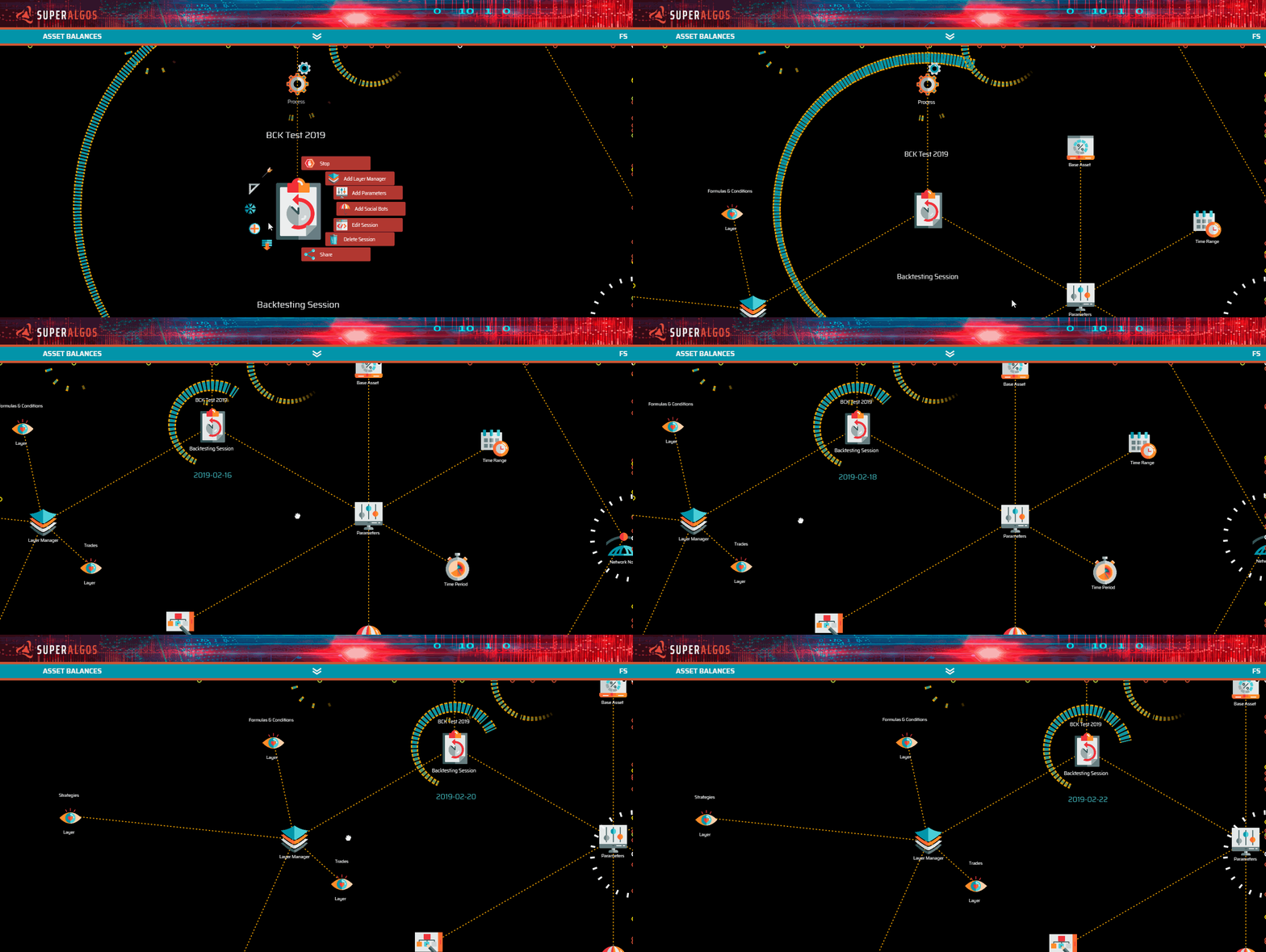
A simulation is a visual representation over the charts of any of the forms of strategy testing available within the system:
-
Backtesting: testing over historic data;
-
Paper-trading: testing over a live data feed, without placing orders at the exchange (orders are simulated);
-
Forward testing: testing over a live data feed, placing actual orders at the exchange for a fraction of the available balance.
We will cover forward testing when we discuss live trading, as it involves placing orders at the exchange. For the time being, we will focus on the first two steps of the strategy-testing process.
As explained in the previous chapter, the trading bot handles testing sessions and is controlled by a task and its corresponding task manager.
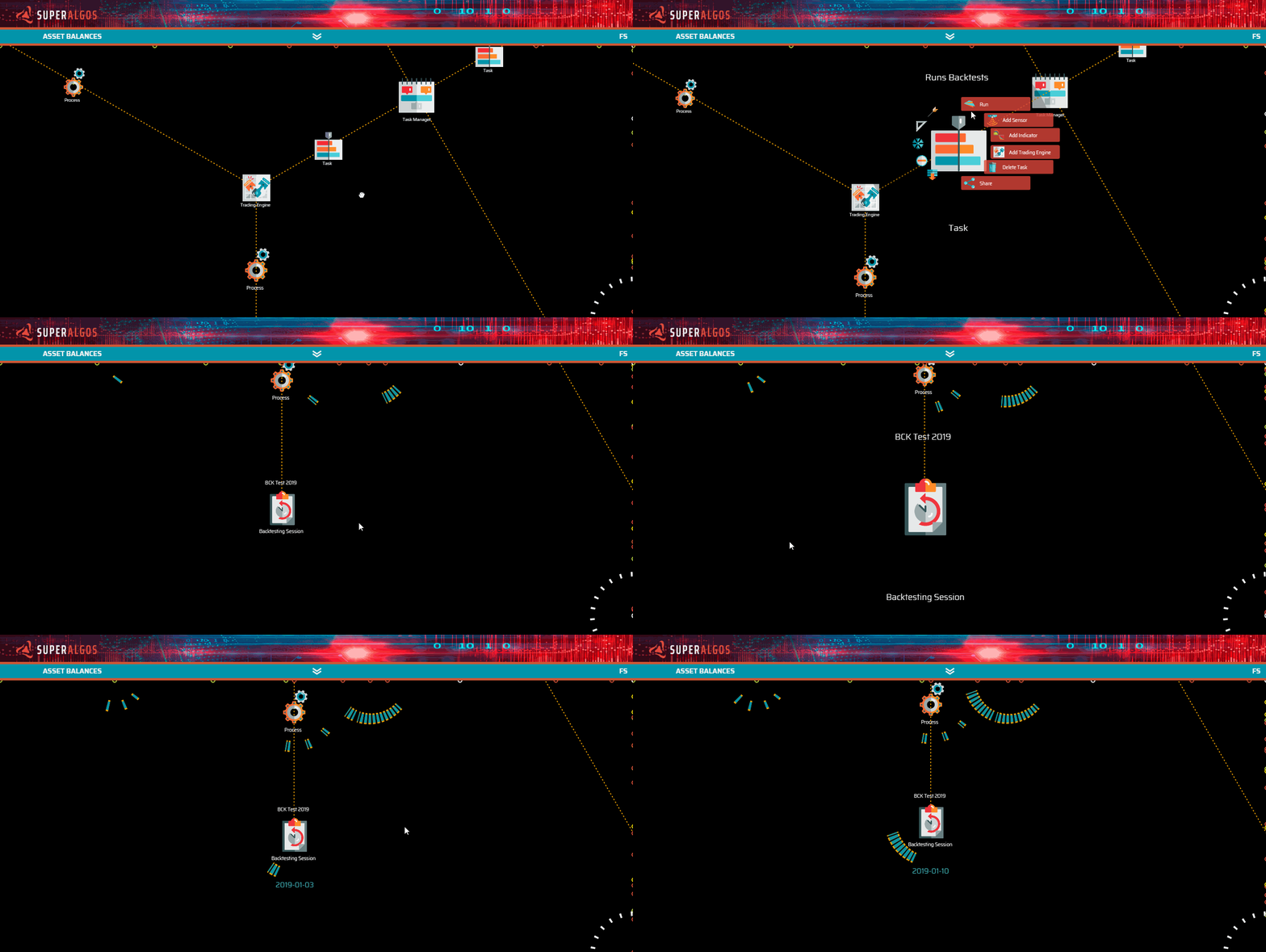
To run a testing session, you will click Run on the corresponding task, and once the task is running, you will click Run on the session menu.
For your convenience, all our templates in the Quick-Start-Examples folder come with at least one backtesting and one paper-trading session set up. All you need to do is customize the parameters to your liking and, if you wish, add or remove layers to the layer manager, both offspring nodes of each testing session.