
4.5 KiB
title, summary, sidebar, permalink
| title | summary | sidebar | permalink |
|---|---|---|---|
| Update Datasets | suite_sidebar | suite-update-datasets.html |
To trade live, strategies need to be able to access up-to-date information to make trading decisions.
The bot that extracts raw trades data from the exchange and those which process the raw data to generate elaborate datasets, like indicators and other technical studies, need to be running at all times while trading live.
When you ran your first backtesting session, you first had to run a task that controls the trading bot and the specific process involved in calculating the backtests.
The bots that keep your datasets up to date are too controlled by a task manager and tasks, within the Network hierarchy.
| Superalgos Network | Network Node | Task Manager | Task | Sensor | Indicator |
|---|---|---|---|---|---|
 |
 |
 |
 |
 |
 |
Open up the design space section of the system by dragging the horizontal bar upwards. You may also use Alt + ↑ on your keyboard. This shortcut closes the Charts and opens the design space.
Hit Ctrl or ⌘ + Alt + D (D for Datasets) to go to the Masters Datasets task manager that controls the aforementioned bots. Open the menu and click Run All Tasks.
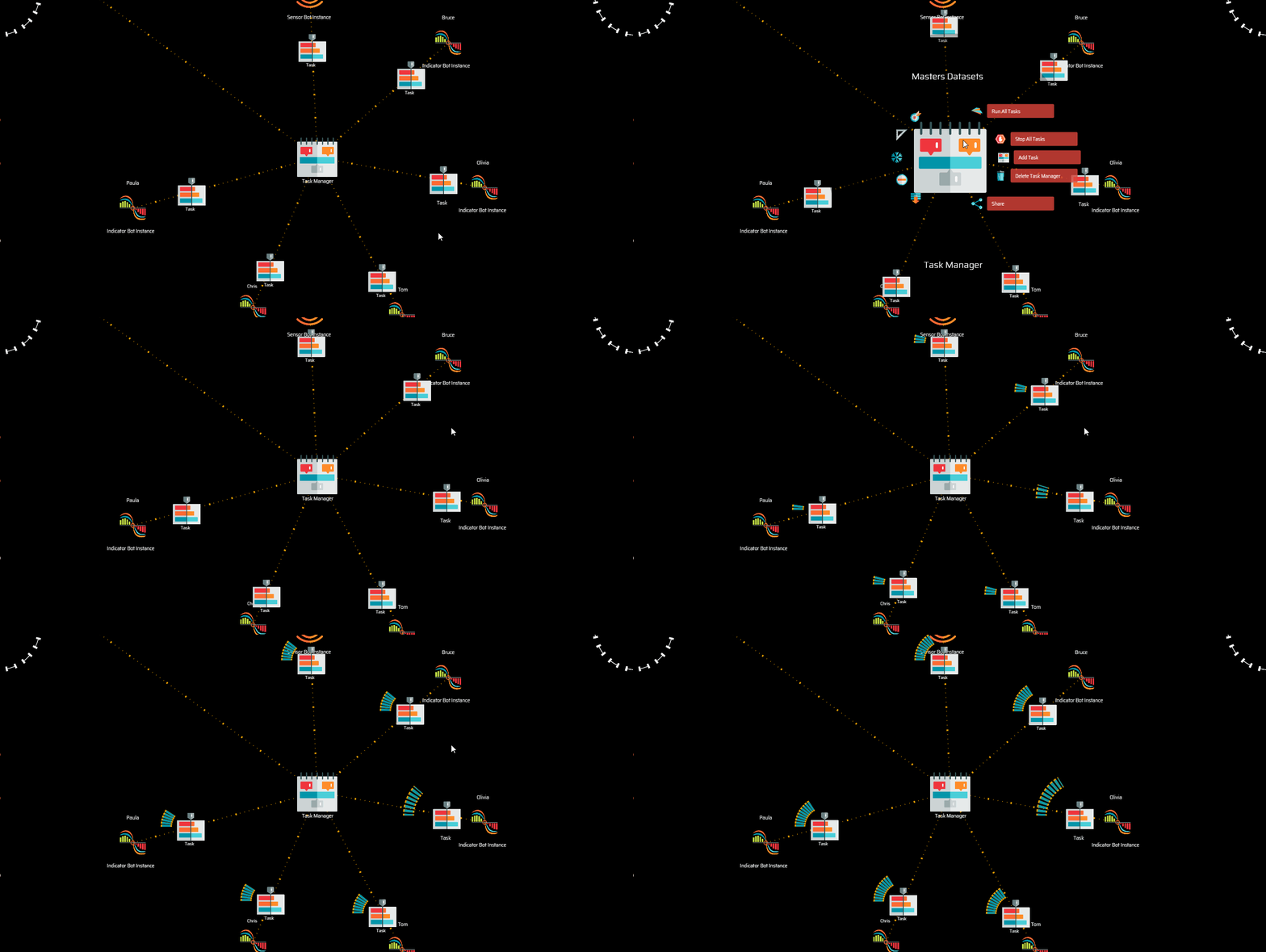
You just started the sensors that extract live data from the exchange and the indicators that process raw trades data.
The data you downloaded spans from the date of the start of the market to the date of the release. Before you start trading live, the bots need to run for a while so as to catch up with the present time.
You will not see any immediate effect in your browser, but notice how your console application is buzzing with activity:
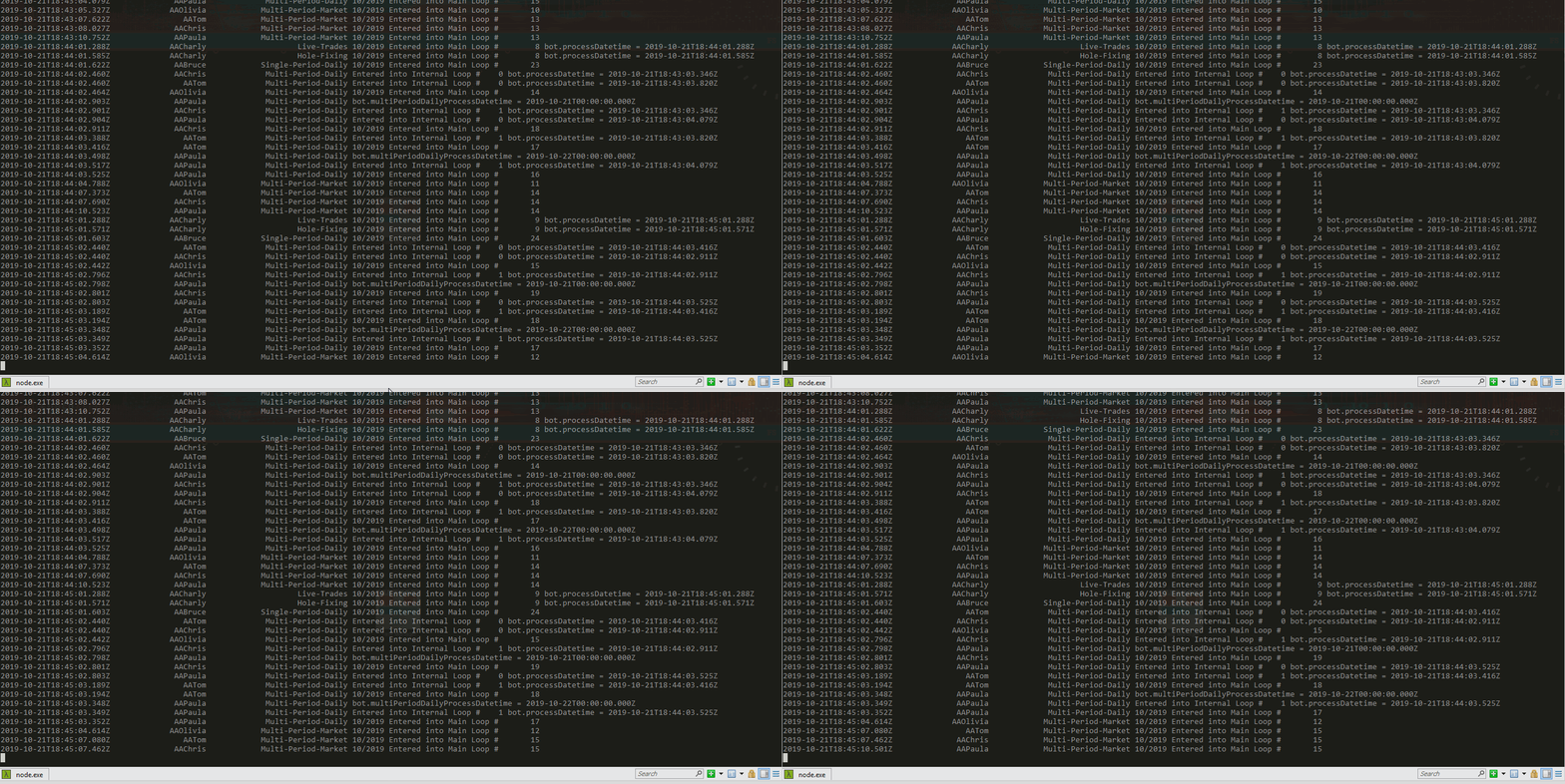
NOTE: To know when datasets are up to date, you may find Paula under the Masters Datasets task manager, click
on its menu and notice the date displayed under the Daily process. When this date reaches the present time, chances are all other datasets will be up to date as well. You may also check your console and study the logs to see if all bots are processing the current date-time.
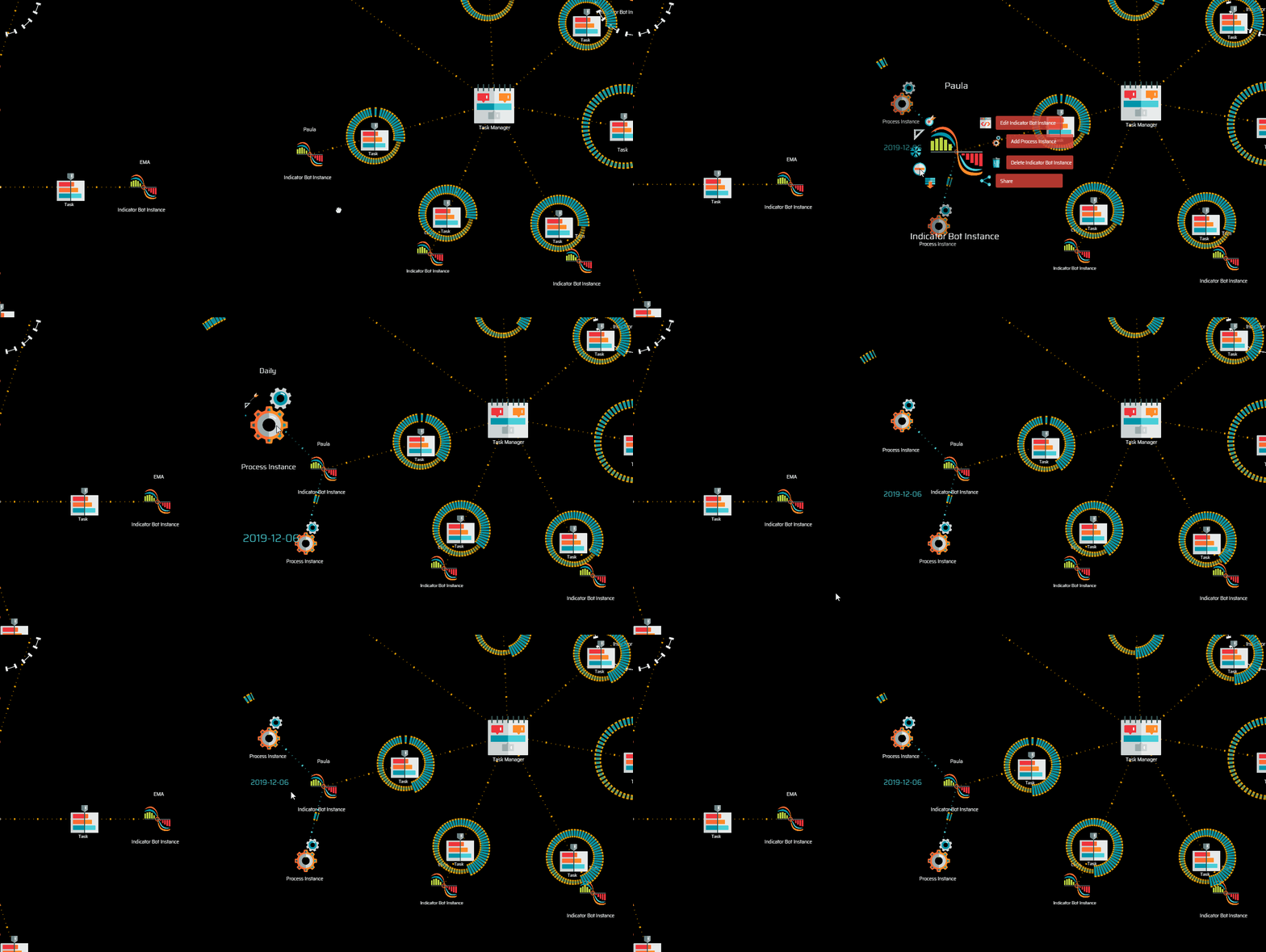
In our experience, it may take from 5 to 20 minutes per day's worth of Poloniex data to be processed. The time it will take for these processes to complete the job depends on several things:
-
The date of the release tells you how many days you are behind with the dataset you just downloaded.
-
The speed and processing power of your machine will make a difference too.
-
The average number of trades per day at the exchange determines the volume of data the system needs to retrieve and process.
-
The number of trades the exchange returns per each request determines the size of the pipeline the exchanges allow API users to use.
These bots will keep running for as long as you keep the browser tab running the system open.
NOTE: Remember no to close the console before closing the browser and allowing enough time for all processes to finish the current execution. Failing to do so may corrupt your data.